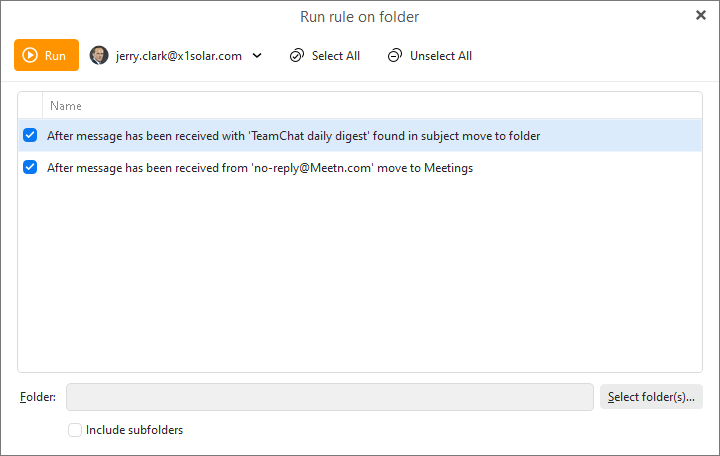
button in the Rules explorer window, you will be prompted to specify the rule and the folder on which to apply the rule:
Only Local rules and IceWarp can be applied manually, since eM Client might not have the same conditions or actions are other mail servers.
When you select Apply button in the Rules explorer window, you will be prompted to specify the rule and the folder on which to apply the rule:
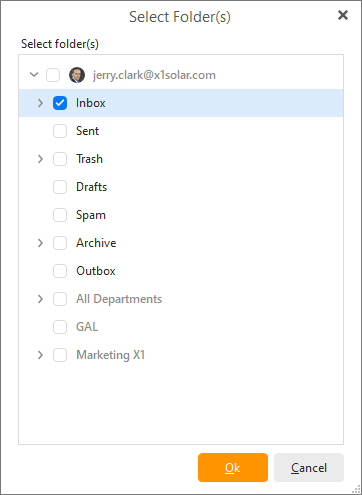
Select folder(s) by clicking on Select folder(s):
Click on Run to execute the rule on the selected folders.
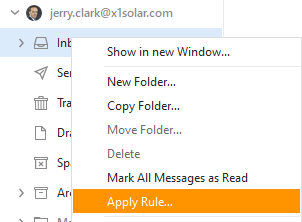
You can also apply rule by right-clicking on particular folder and selecting Apply Rule... from the context menu.
Just as you can see in the picture.